How to Use a Speaker Microphone?
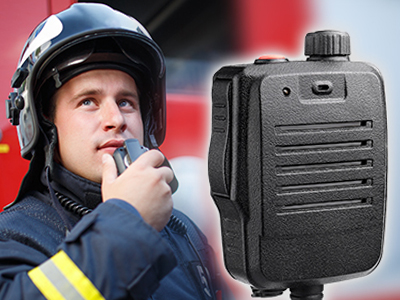
The wireless remote speaker microphone is an essential device for long-distance communication, widely used in public safety, construction sites, outdoor activities, and more. Whether you’re new to radio communication or a seasoned professional, why not take a moment to learn how to use a speaker microphone more effectively?
Device Inspection
Outer Check: Ensure the speaker mic has no external damage.
Connection Cables: Verify that the cables connecting the microphone to the radio device are secure.
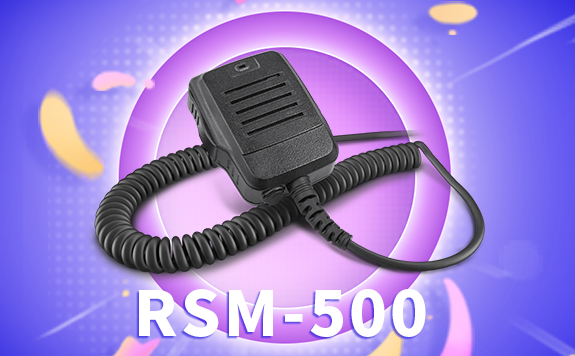
Power On and Speark Control
Power On: Press the power button and wait for the device to initialize.
Speark Control: Adjust the input volume based on ambient noise to ensure clear audio.
Test
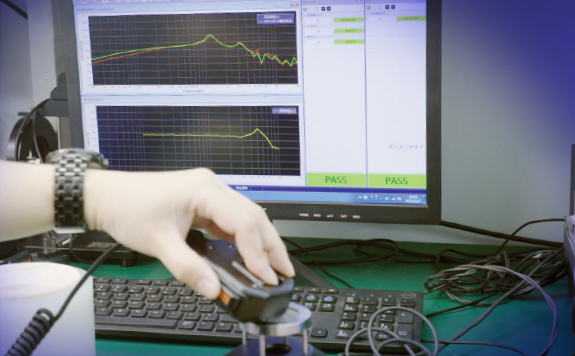
Microphone Test: Speak to check if you’re heard clearly, and listen to ensure their volume is right and distortion-free.
Signal Test: Test signal strength in the target area to avoid interruptions due to interference or distance.
Usage Tips
- Keep the mic close but avoid direct contact to prevent popping.
- Fix speaker mic position by metal clip for long time stable communication.
- Avoid areas with heavy interference, like near power lines.
- Turn off the device using the power button and store in a dry, cool, well-ventilated area.
Have you learned how to use speaker microphone after reading the three steps? Learn more about the real speaker mic.